THE HARDWARE SHORTLIST / EDITORIAL RANKINGS
Displays.
Photo frames, e-paper, status screens, and TVs. Give your dashboard, calendar, or web app a physical home.
Popularity, estimated. An editorial score for ecosystem recognition, tutorial visibility, and retail familiarity. Not sales, traffic, testing, or customer ratings.
The method ↗- #01
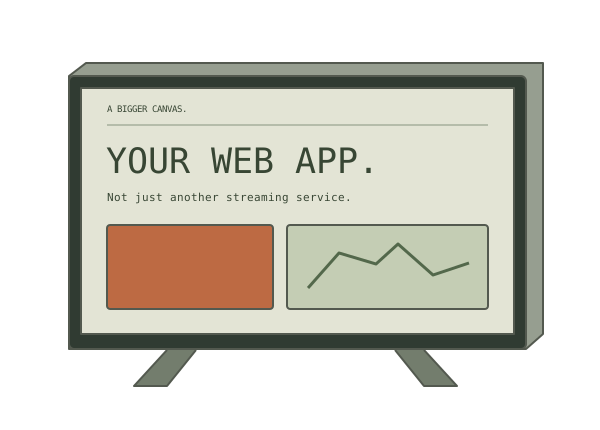
A widely recognizable screen category with official app-development tutorials. This score concerns the ecosystem, not a particular TV or hack.
2 linked sources ↗88/100Editorial estimateExplore device ↗ - #02
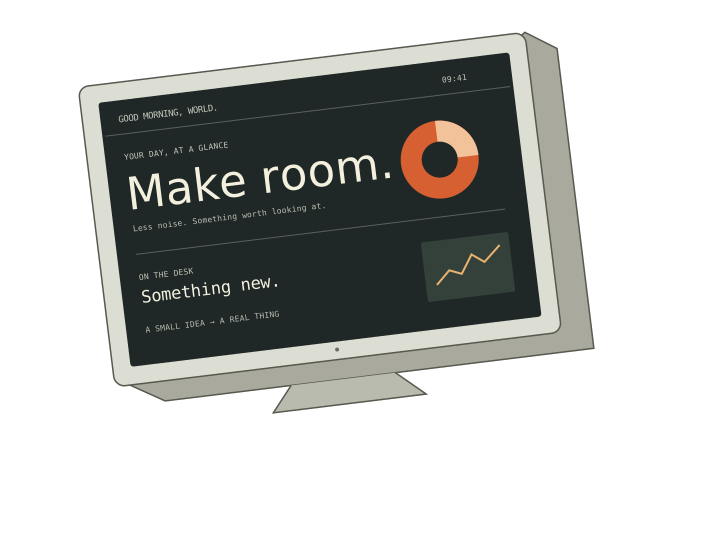
A recognizable photo-frame format with a substantial, specific community walkthrough. Compatibility varies more than the category name suggests.
2 linked sources ↗86/100Editorial estimateExplore device ↗ - #03
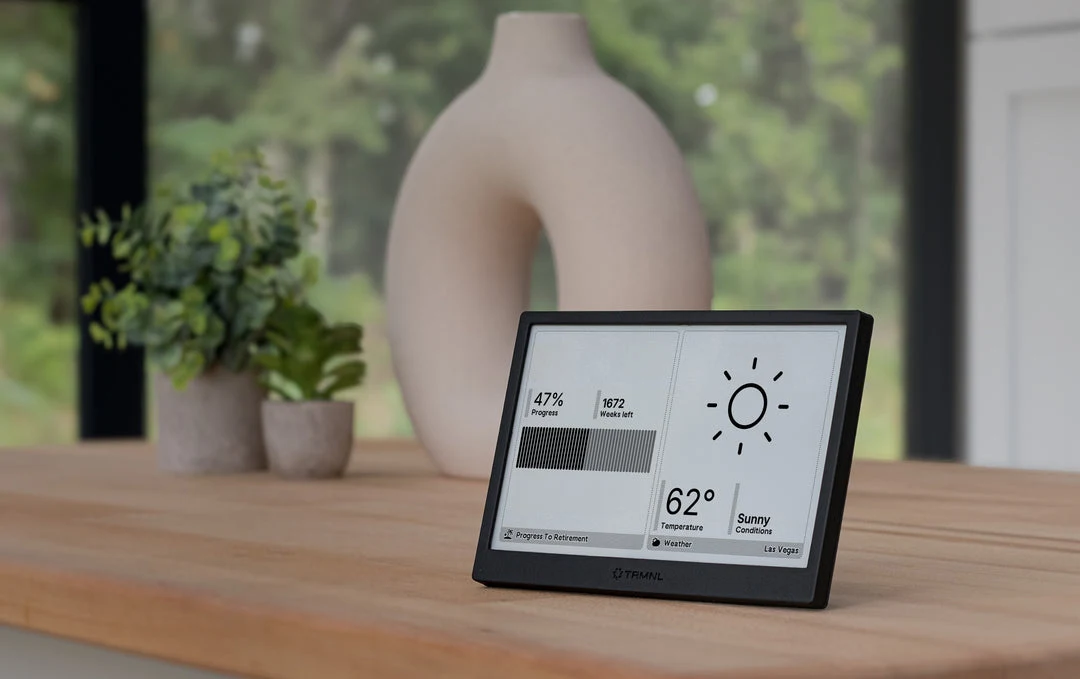
A purpose-built dashboard ecosystem with a documented framework and official agent skills; a specialist device rather than mass-market retail hardware.
3 linked sources ↗72/100Editorial estimateExplore device ↗ - #04
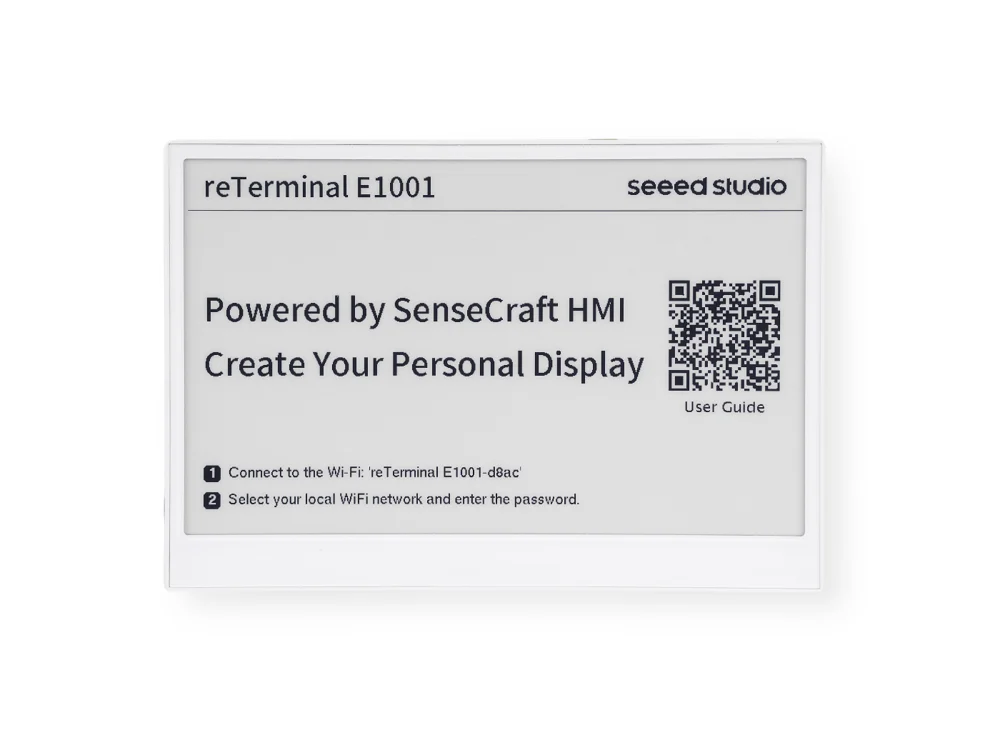
Clear manufacturer tutorials and a monochrome dashboard use case make it an accessible starting point within a specialist display category.
3 linked sources ↗70/100Editorial estimateExplore device ↗ - #05
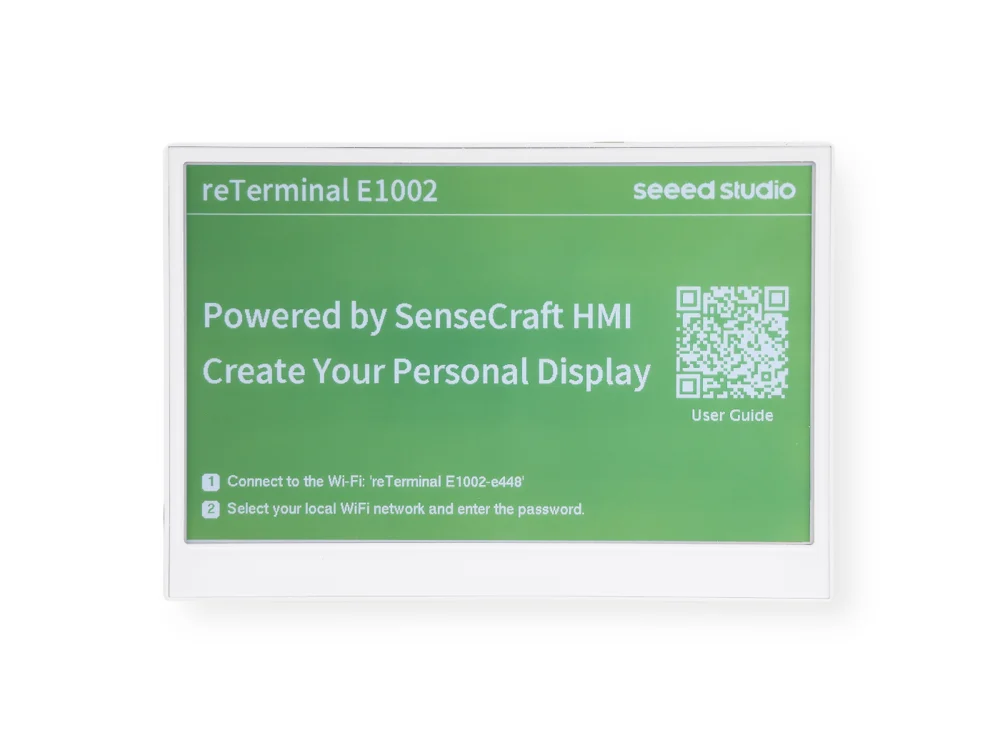
Model-specific manufacturer guides cover both ESPHome and Arduino. A narrower ecosystem than mainstream desktop accessories.
3 linked sources ↗66/100Editorial estimateExplore device ↗ - #06

A focused developer-oriented status display with official HTTP examples and Python documentation, rather than a broad retail category.
2 linked sources ↗56/100Editorial estimateExplore device ↗
No matching hardware here. Try a different search or reset your filters.
Source-backed, not hands-on tested. Scores assessed November 4, 2026. Read the exact-model notes before buying. Compare factual specs across all hardware ↗