WHAT IT IS / WHAT IT COULD BE
Why customize Android photo frame?
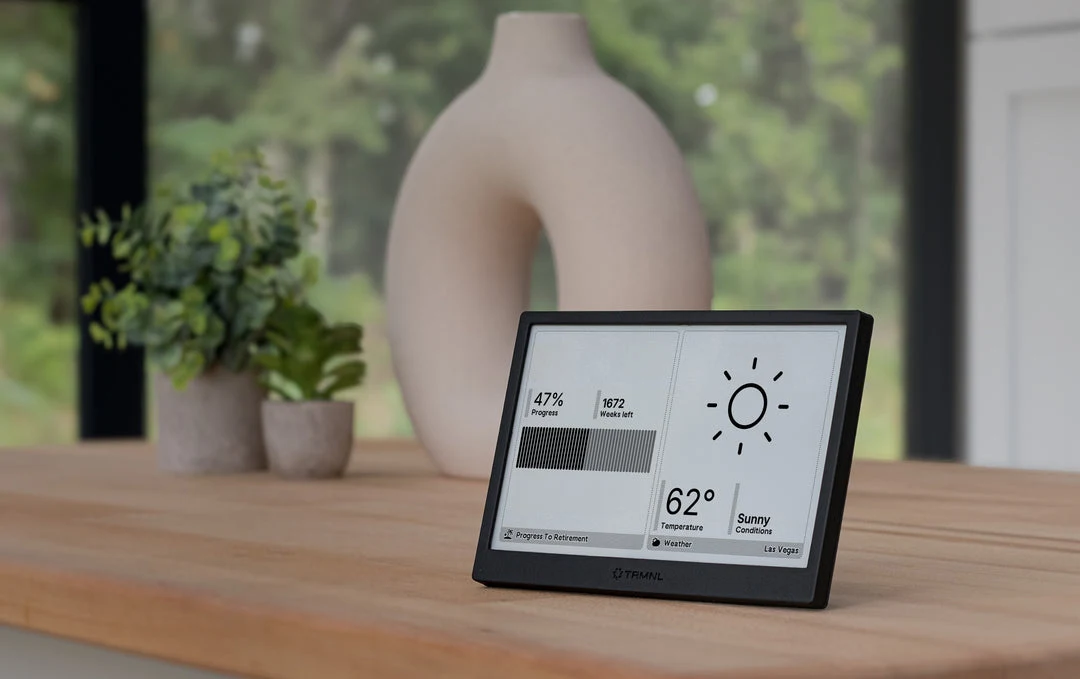
Some digital photo frames are Android computers behind a simple photo-sharing interface. On supported hardware, Wes Bos's project installs the tools needed to display a custom web dashboard. That makes a familiar HTML/CSS project into something that lives on a wall or a desk. This is not a universal modification for every Frameo frame.
A good fit for
A wall or desk dashboard built with familiar web tools.
Not the right fit for
Anyone who needs guaranteed compatibility from an Amazon listing alone.
THE DETAILS THAT MATTER
Compatibility & how it works.
- Exact hardware
- Compatible Frameo hardware; verify board and firmware
- Software route
- Android + web app
- Where code runs
- The dashboard runs in a browser on supported frame hardware; development stays on your laptop.
- Development tools
- A laptop and a coding agent such as Claude Code or Cursor, plus the tools required by the linked guide. A coding subscription does not include hardware or third-party services.
- Evidence
- Community guide; source-backed, not hands-on tested by Atoms for Agents.
START WITH ONE USEFUL THING
Android photo frame project ideas.
- 01A family calendar beside the front door
- 02A transit and weather board
- 03A dashboard for your home or side project
These are project ideas, not completed builds we have tested. Start with the first working example in the documentation before adding private data or unattended behavior.
CREDIT TO THE MAKERS
Guides, code & documentation.
Follow the original authors for the current instructions. These are the sources for this guide—not a claim that every setup has been independently tested.
A SENSIBLE FIRST PROJECT
How to get started with Android photo frame.
Planning notes, not a replacement for the linked technical instructions.
- 01
Identify the hardware first
Read the tutorial and community device list before ordering. Once the frame arrives, confirm its board identifier, Android version, and available connections before changing anything.
- 02
Follow the matching setup route
Use the original guide for the supported ADB and launcher setup. Do not run commands intended for a different board, and keep a record of what you change.
- 03
Build one simple screen
Ask your coding agent for a readable dashboard at the frame's actual resolution. Start with a clock and one data source, then test that the page survives a restart.
TAKE THIS TO YOUR CODING AGENT
Help me build a single-page dashboard for an Android photo frame. First ask for my exact screen resolution, browser version, and how I will host it. Start with a readable clock and weather using mock data, label that data as mock, and keep credentials out of the browser. Do not assume that the frame is unlocked or give device-changing commands until I provide its exact board and the matching tutorial.
A starting brief for Claude Code, Cursor, or your preferred tool. Confirm exact hardware before running device-changing commands.
BEFORE YOU GO FURTHER
Android photo frame: common questions.
Can I turn any Frameo photo frame into a dashboard?
No. The board and firmware determine which setup route works. Check the community device list before purchasing; the same retailer listing can ship different hardware.
Does this require soldering?
The documented software route is the reason it is included here. If your exact board needs opening, soldering, or an undocumented recovery process, do not treat this listing as a beginner-ready recommendation.
Where can I buy Android photo frame?
An Amazon listing is linked as a starting point, not a guarantee of stock or compatibility. Example listing only, not a compatibility guarantee. The same listing can ship different boards or firmware. Check the guide's device list and the seller's return policy before buying.