WHAT IT IS / WHAT IT COULD BE
Why customize reTerminal E1002?
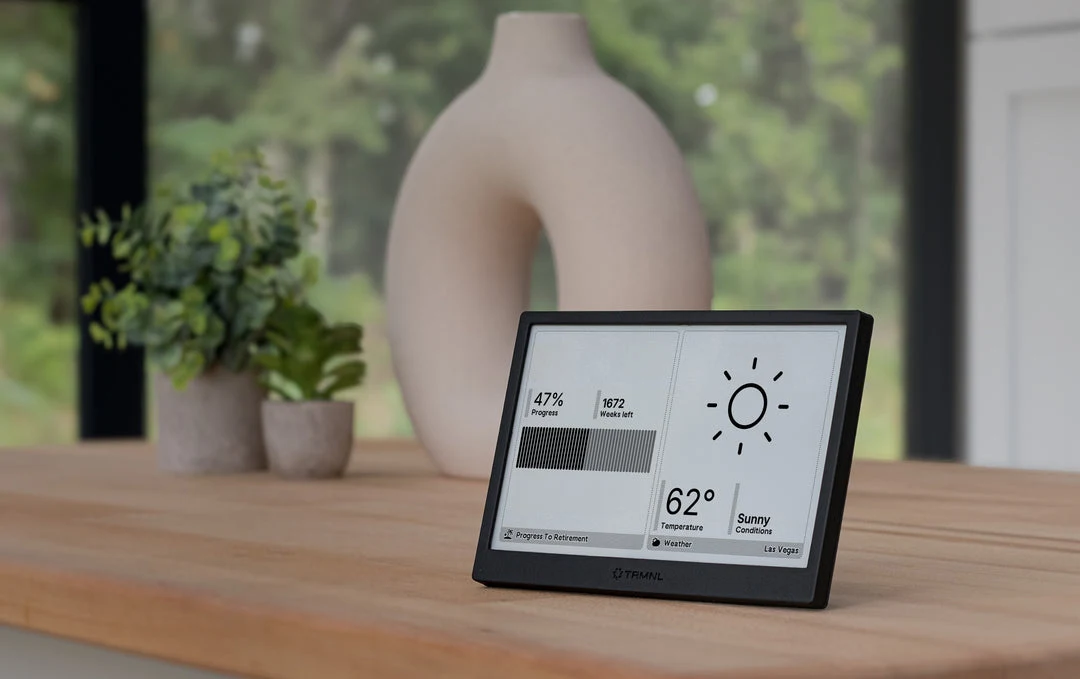
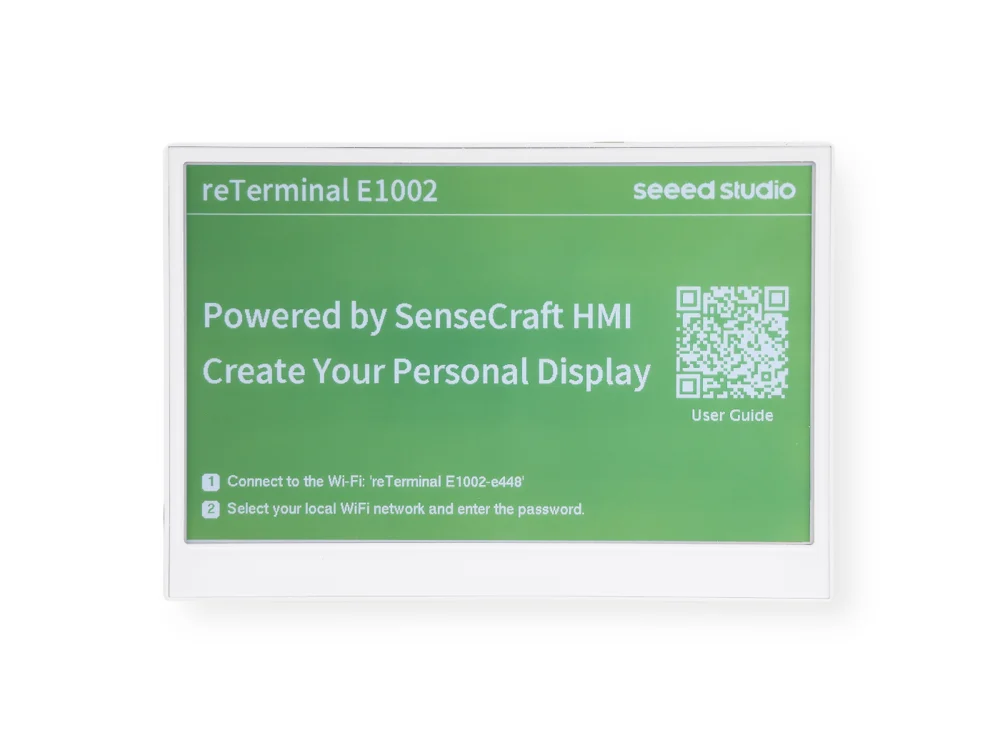
The reTerminal E1002 pairs a 7.3-inch, 800 × 480 color e-paper panel with an ESP32-S3 in a finished enclosure. It ships with SenseCraft Seeedash and also supports documented Arduino and ESPHome development routes. A coding agent can help write a dashboard layout or firmware configuration; the device is not a general-purpose browser.
A good fit for
Slow-changing color art, summaries, and Home Assistant dashboards.
Not the right fit for
Video, animation, or a web page that expects a normal browser.
THE DETAILS THAT MATTER
Compatibility & how it works.
- Exact hardware
- E1002 · 7.3-inch color ePaper
- Software route
- ESPHome / Arduino
- Where code runs
- Dashboard layouts and device behavior use the chosen supported firmware; this is not a general-purpose browser.
- Development tools
- A laptop and a coding agent such as Claude Code or Cursor, plus the tools required by the linked guide. A coding subscription does not include hardware or third-party services.
- Evidence
- Official docs; source-backed, not hands-on tested by Atoms for Agents.
START WITH ONE USEFUL THING
reTerminal E1002 project ideas.
- 01A daily illustrated briefing
- 02A rotating collection of art
- 03A color-coded family chore board
These are project ideas, not completed builds we have tested. Start with the first working example in the documentation before adding private data or unattended behavior.
CREDIT TO THE MAKERS
Guides, code & documentation.
Follow the original authors for the current instructions. These are the sources for this guide—not a claim that every setup has been independently tested.
A SENSIBLE FIRST PROJECT
How to get started with reTerminal E1002.
Planning notes, not a replacement for the linked technical instructions.
- 01
Start with the stock experience
Follow Seeed's E1002 getting-started guide to connect the device and confirm that the display works before changing firmware.
- 02
Choose a development route
Use ESPHome for a Home Assistant display or Arduino for a more direct firmware project. Give your agent the official guide and the exact E1002 model.
- 03
Design for slow updates
Start with a static layout, then add a scheduled data refresh. Keep the last successful reading and its timestamp visible when a data source is unavailable.
TAKE THIS TO YOUR CODING AGENT
Help me design a dashboard for a Seeed reTerminal E1002, 800 by 480 color e-paper. Ask whether I want ESPHome with Home Assistant or Arduino before writing code. Use the manufacturer's E1002 documentation, account for slow full refreshes, include a last-updated timestamp, and keep private keys out of source control. Start with a mock layout, not a firmware flash.
A starting brief for Claude Code, Cursor, or your preferred tool. Confirm exact hardware before running device-changing commands.
BEFORE YOU GO FURTHER
reTerminal E1002: common questions.
Is the reTerminal E1002 suitable for live animation?
No. Seeed lists roughly 15–20 seconds for a full color refresh. Plan around occasional updates and display the time of the last successful data refresh.
What is the difference between E1002 and E1001?
E1002 uses a 7.3-inch color panel; E1001 uses a 7.5-inch monochrome panel and supports partial refresh. Both are listed at 800 × 480, but model-specific firmware must not be swapped blindly.
Where can I buy reTerminal E1002?
An Amazon listing is linked as a starting point, not a guarantee of stock or compatibility. Check the manufacturer's current price, delivery region, and included accessories. Choose E1002 for color; E1001 is the monochrome model.