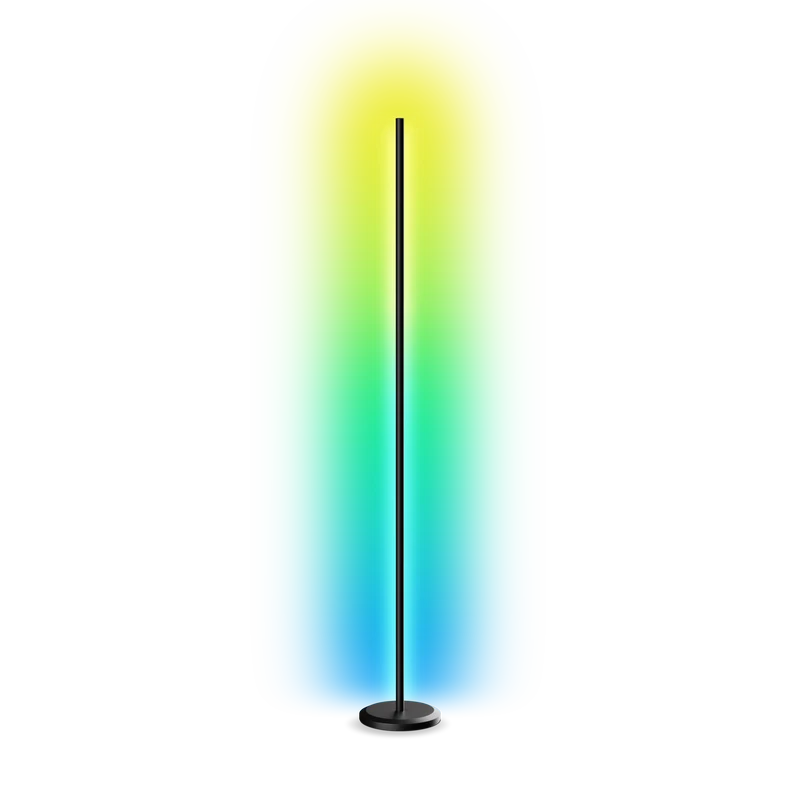
Why customize Nanoleaf Floor Lamp?
Nanoleaf lists its NL72K4 Floor Lamp among the Wi-Fi Essentials products with a documented local control interface. You can set color and brightness, select effects, and develop a small program that ties those changes to something you care about. The directory is interested in a new software behavior—not simply using the stock lighting app.
A good fit for
Gentle ambient signals, work timers, and meeting reminders.
Not the right fit for
Assuming any Matter lamp uses the same local interface.
Compatibility
- Exact hardware
- NL72K4 · supported firmware above v3.0.10
- Software route
- Local HTTP / effects
- Where code runs
- Your software runs on a laptop or other host and sends local commands to the supported lamp.
- Development tools
- A laptop, a coding agent such as Claude Code or Cursor, and the tools listed in the guide.
- Evidence
- Official docs. Not hands-on tested.
Project ideas
- 01A gentle signal when a long-running job finishes
- 02A focus light that follows a work timer
- 03A color cue for an upcoming meeting
Guides & code
Getting started
- 01
Confirm model and firmware
Compare the label and app details with the official supported-device table before writing code.
- 02
Pair with the documented interface
Set the lamp up normally, then use the app's API pairing flow. Store the resulting authorization token privately.
- 03
Build a gentle status cue
Start by changing brightness or a static color. Add a data source only after you can restore the normal scene reliably.
Starter prompt
Help me control a Nanoleaf Floor Lamp NL72K4 with the official Wi-Fi Essentials API. First confirm the model and firmware and explain the pairing flow. Build a small local script that changes to a gentle static color for a timer, restores the previous state, and stores the token outside source control. Do not use rapid flashing.
Confirm your exact hardware before running device-changing commands.
Common questions
Can I control the Nanoleaf Floor Lamp locally?
Nanoleaf documents local control for supported Wi-Fi Essentials hardware including NL72K4, with firmware above v3.0.10. Match the exact model and use the documented pairing flow.
Does this work with every Nanoleaf light?
No. Similar branding and Matter support do not establish compatibility with this interface. Check the exact supported-device table before buying or writing a controller.
Where can I buy Nanoleaf Floor Lamp?
Use the official buying or compatibility link below. The Amazon button opens a search, not a confirmed product listing. Match model NL72K4 and the documented firmware requirements. This support claim does not apply to every Nanoleaf or Matter light. Follow normal product assembly instructions.